 OSTUM
Two notes. One question.
Give Zarum 9B the same question and two different images. Download both notes and compare the time and room number with the answers from an RTX 4050 laptop.
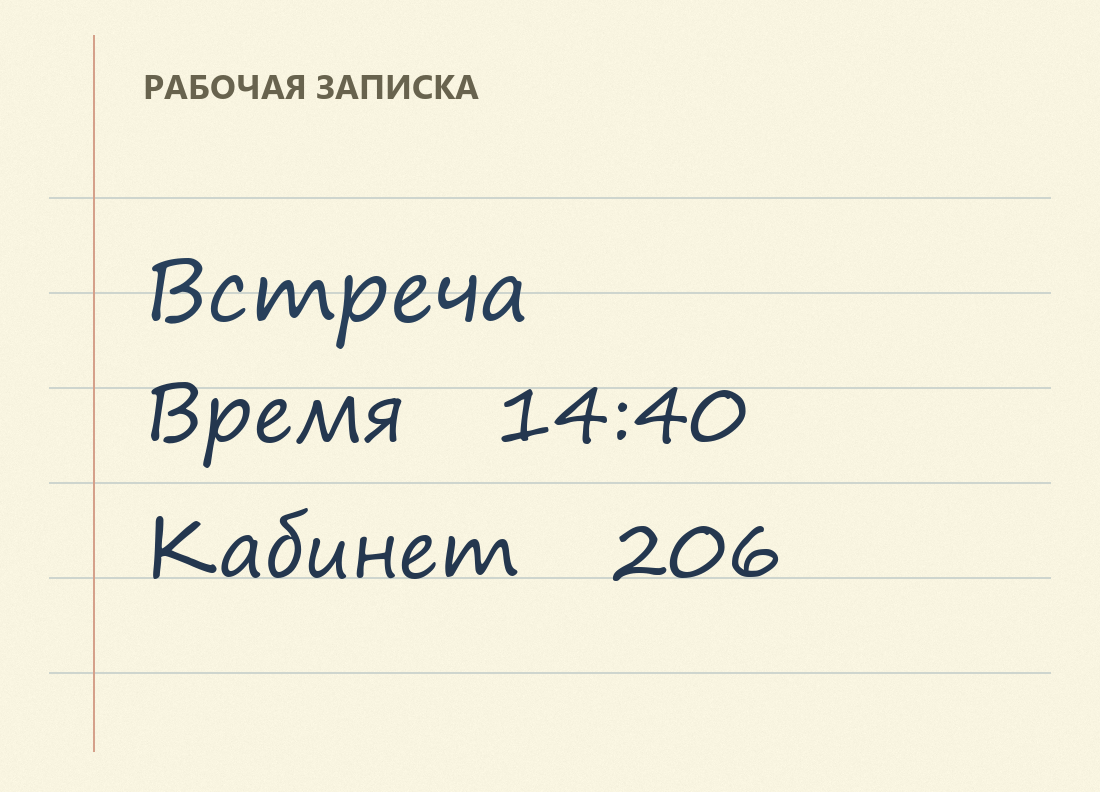
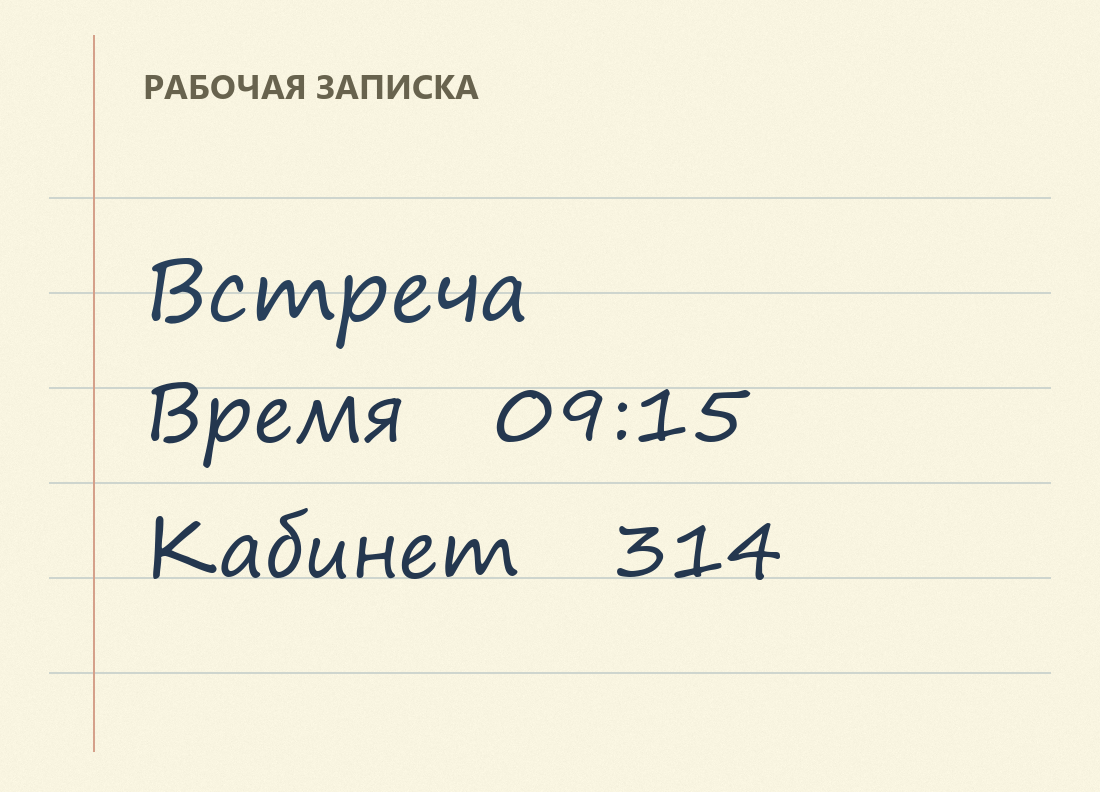
Try the same question twice
- Open OSTUM Desktop with Zarum 9B and its vision projector installed. Basic chat is sufficient for this test. For a disconnected PC, prepare the model files in advance. Prepare an offline kit.
- Start a conversation. Click Рассмотреть фото (inspect a photo) or drop
note-a.pnginto the chat. Paste the Russian question below and send it with the picture. - Click Новый чат (new chat). Send
note-b.pngwith the identical question. Compare the two numbers in each response with its image. The model may phrase an answer differently on your machine.
Прочитай записку на приложенном изображении. Во сколько встреча и какой номер кабинета? Ответь одной короткой фразой.
The question asks the model to read the attached note and give the time and room number in one short sentence.
What the model read
| File | Actual reply and translation | Time to full reply |
|---|---|---|
| note-a.png | Встреча в 14:40 в кабинете 206. The meeting is at 14:40 in room 206. | 38.58 s, including model loading |
| note-b.png | Встреча в 09:15, кабинет 314. The meeting is at 09:15, room 314. | 15.37 s with the model already loaded |
These are two observations on an RTX 4050 Laptop GPU. We sent just the question and one image in each fresh conversation through the chat method used by OSTUM 5.7.0. Both images use the same typeface. To evaluate handwriting or scanned forms, repeat the test with a sample from that workflow. Benchmark your own hardware.
Where the images were processed
Both the model and vision projector were read from disk. Web search was turned off. The local llama.cpp process used --offline and listened on 127.0.0.1. The laptop itself stayed online. The run record contains the model files, application version, prompt, answers and SHA-256 hashes for both notes. Open the run record · JSON.